Hangar Valley
Hangar Valley is a calm VR flying game for Meta Quest.
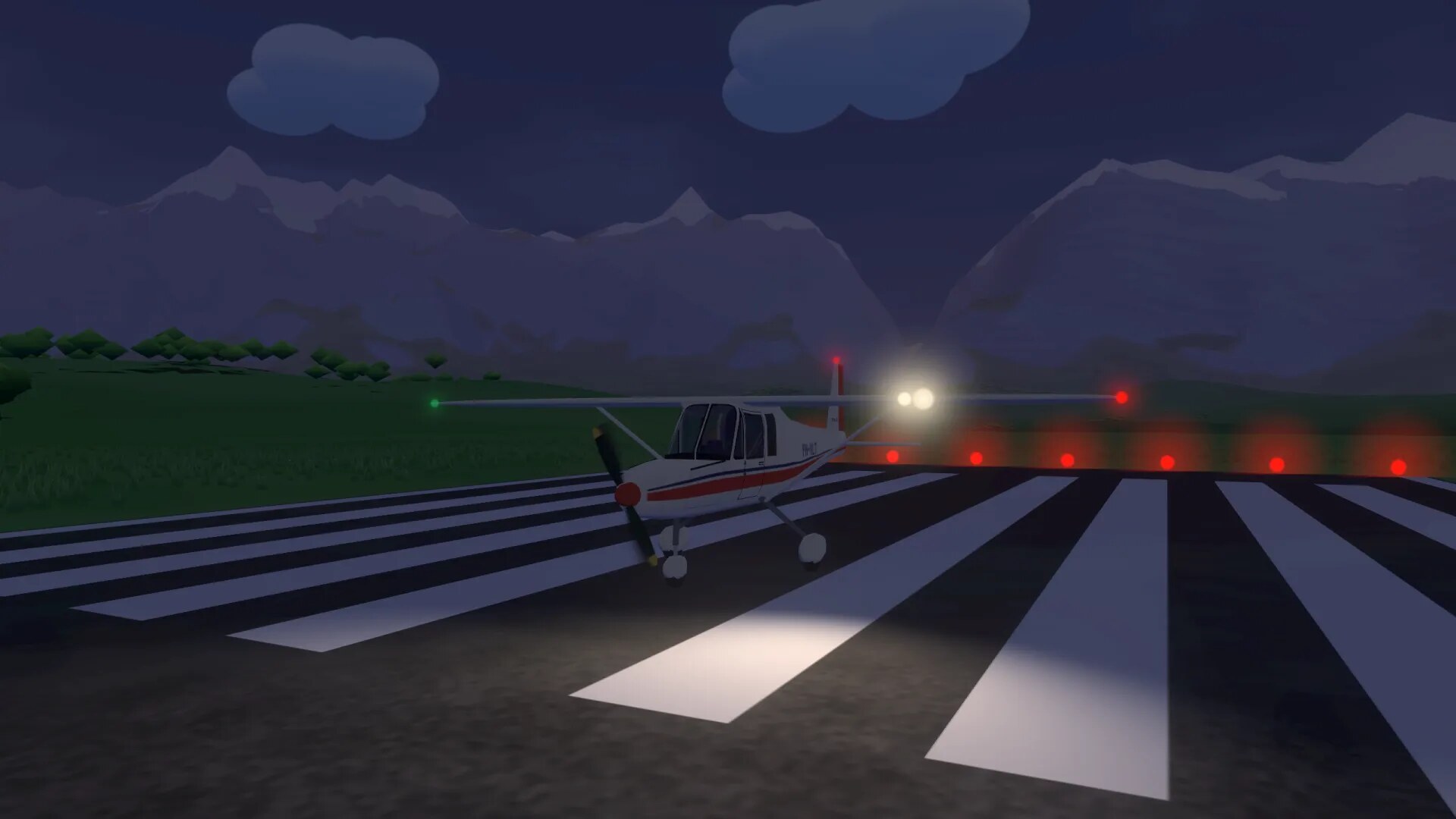
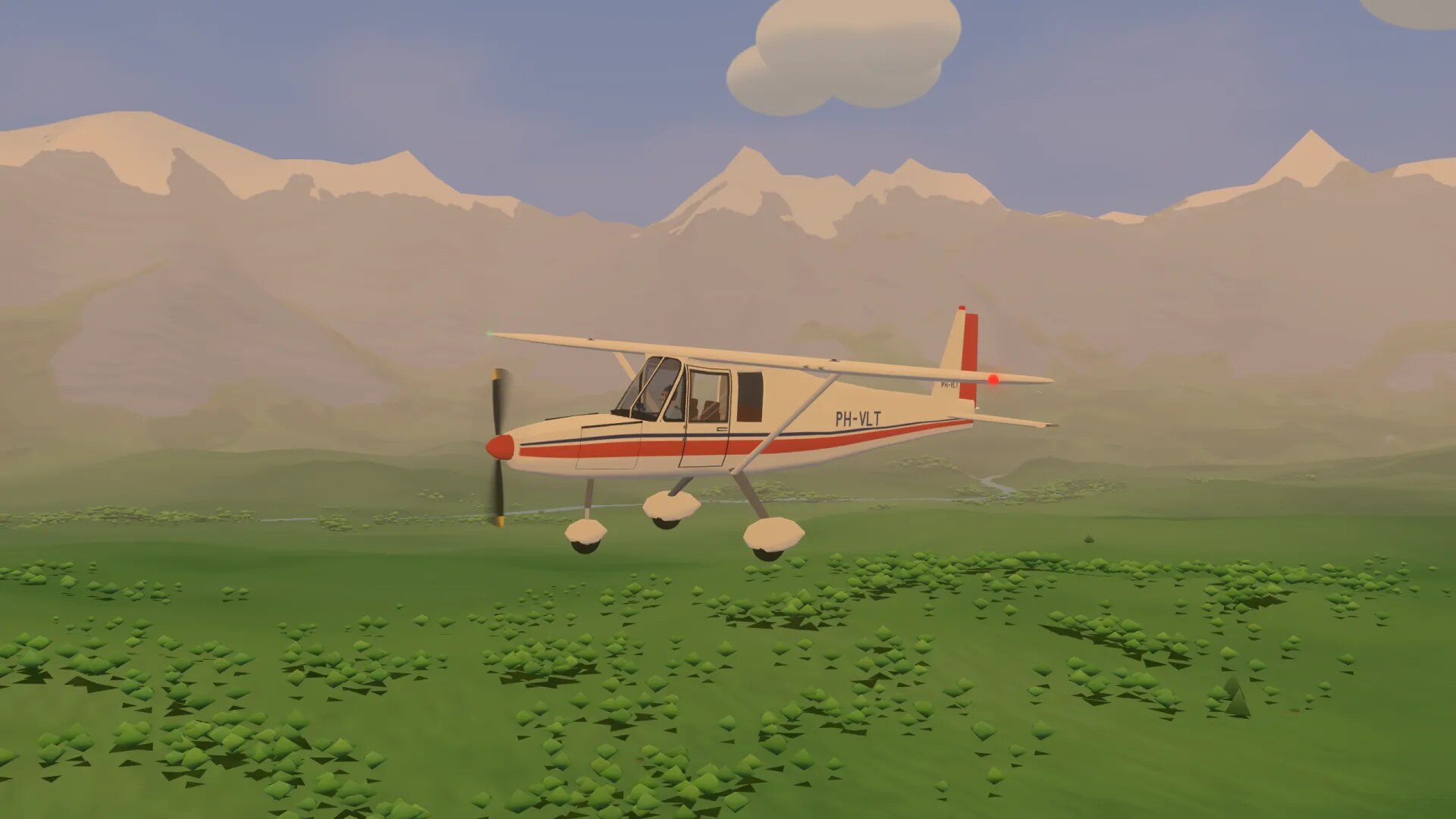
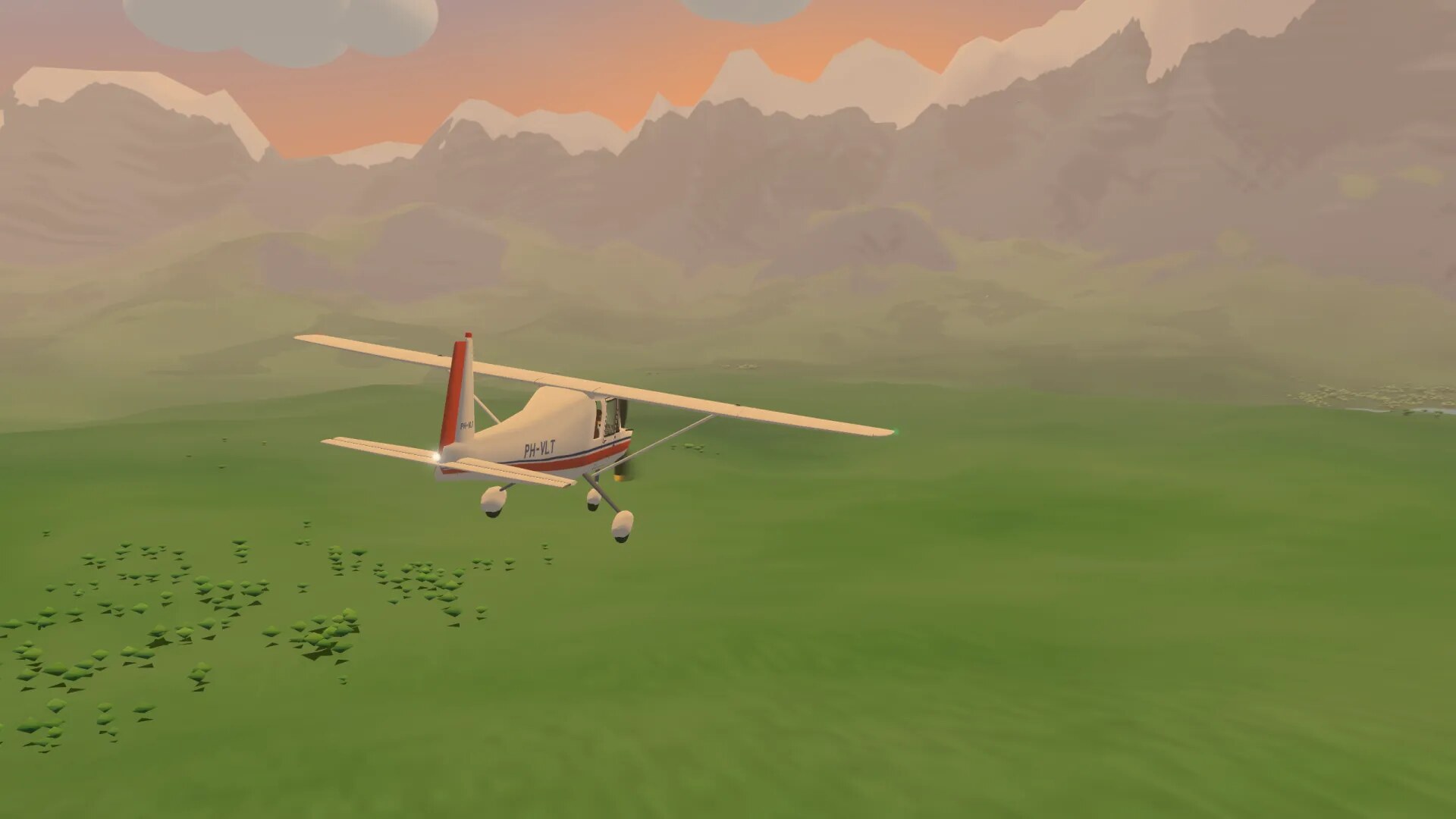
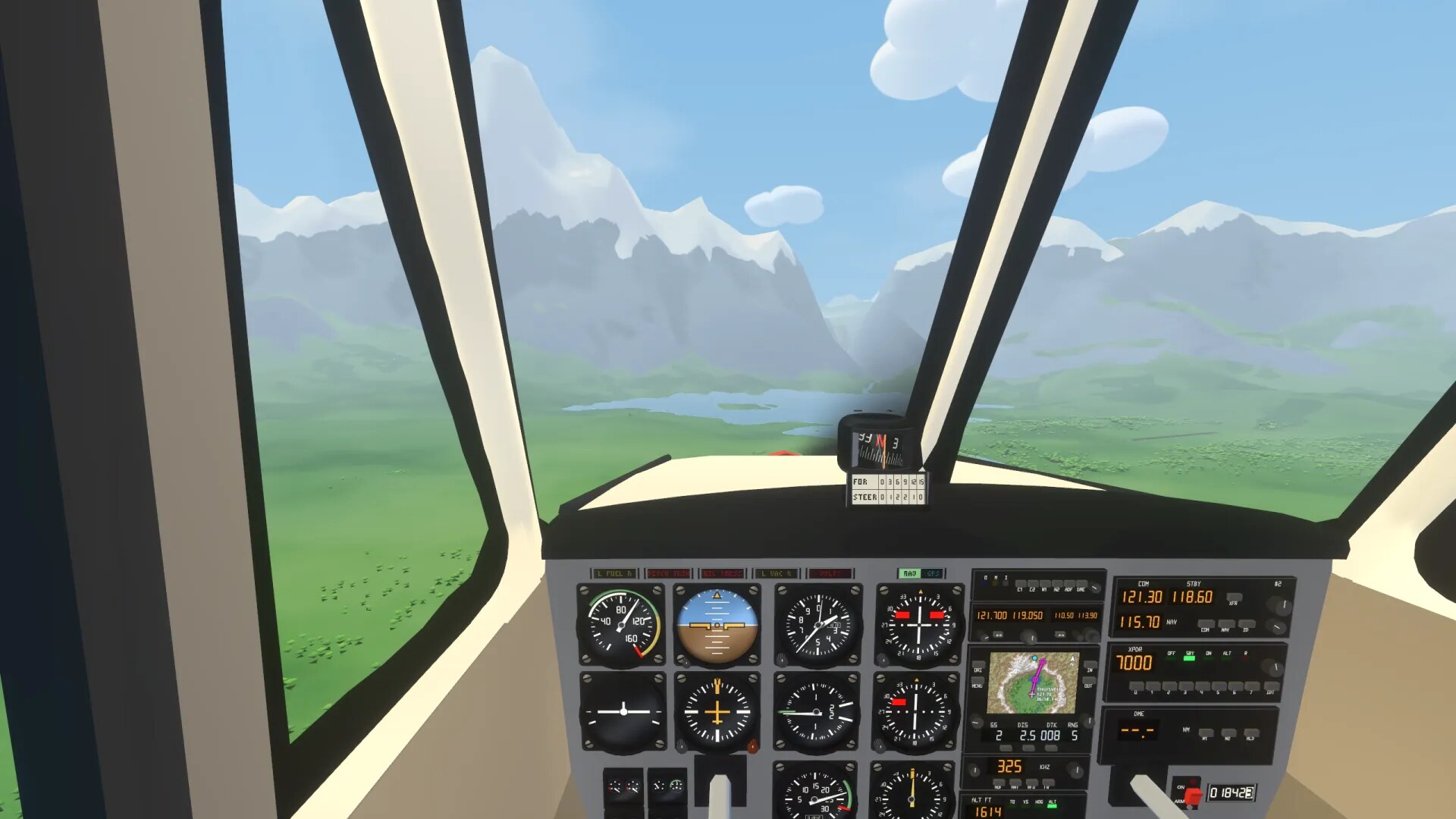
You fly a small single engine plane from your home airfield, in a valley of rivers, a lake and mountains. Take a job, or just go flying.
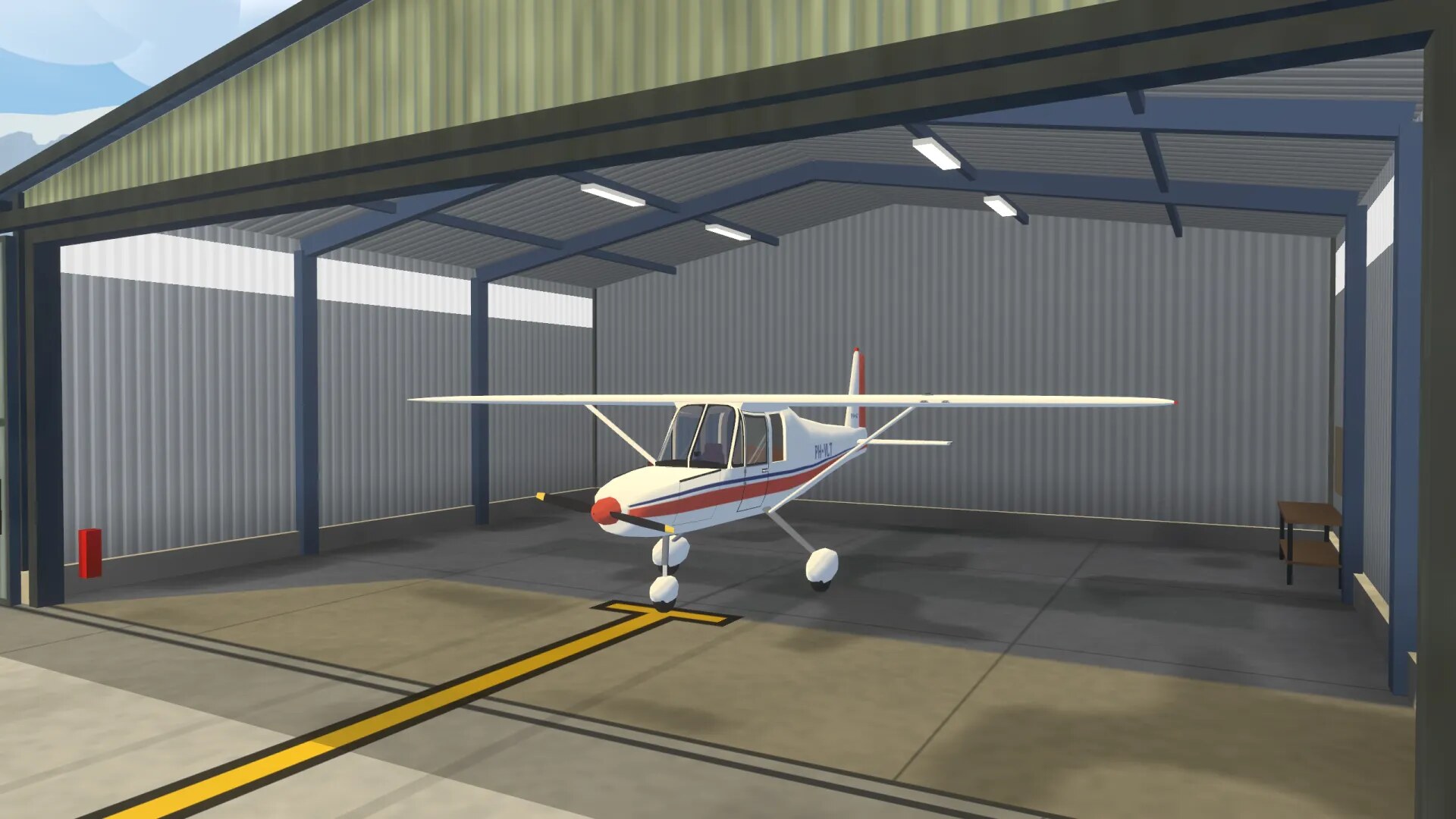
- It starts in your own hangar: climb in, release the parking brake and roll out onto the apron.
- A cockpit you can reach out and touch: switches, knobs, throttle and radio all work with your hands.
- Fly the valley by sight, or switch on the autopilot and let your copilot take over.
Coming to Meta Quest. Early access €9.99, full release €24.99.
Watch it live on Twitch: twitch.tv/hangarvalley
Site and waitlist: hangarvalley.com
Discord: discord.gg/UkygrJAw9k
Download
Install instructions
Free demo: free flight in the Cessna 172 around the valley. Missions, training and the A320 are in the full game.
Windows
- Unzip HangarValleyDemo-Windows.zip.
- Run HangarValleyDemo.exe. Keep libgodotopenxrvendors.dll next to it.
- Windows may show a SmartScreen warning because the demo is not signed yet. Click "More info", then "Run anyway".
macOS (macOS 11 or newer on Apple Silicon, 10.12 or newer on Intel)
- Unzip HangarValleyDemo-Mac.zip.
- Drag Hangar Valley Demo to Applications and open it. The app is notarized by Apple.
Meta Quest 2 and 3 (sideload)
- Turn on developer mode for your headset in the Meta Horizon app.
- Install HangarValleyDemo-Quest.apk with SideQuest, or with
adb install HangarValleyDemo-Quest.apk. - Open it from your Library, under Unknown sources.
On PC and Mac, press H in the game to see all controls. The demo keeps its own saves and does not touch the full game.
Development log
Comments
Log in with itch.io to leave a comment.
The Meta Quest version does not start? I hear sounds but there is nothing to see.
Thanks so much for your feedback, it really helped. Following your comment, we confirmed that on the Quest 2 the game took about 15 seconds to load, with only audio playing in the meantime. That prompted us to build a proper loading screen, which is now in place.
Could you let us know whether you were playing on a Quest 2 or a Quest 3? That will help us check performance on both.
As a thank-you for your support and the care you put into your feedback, we’d like to include your name in the credits.
It is a Quest 3
Thanks, that helps! We tested it on a Quest 3 and saw the same thing there: almost 30 seconds of sound with no picture on the first start. In demo 0.3 a loading screen comes up within a few seconds and the sound waits until the game is ready. Loading still takes about half a minute on the Quest 3, so making that faster is next. Demo 0.3 will be on this page soon.
I waited and the game did start on my Quest 3.
It needs more guidance about what to do. Just saying 'Throttle' doesn't say a value to set it to.
Eventually I got moving and ran through some trees near the airport before managing to take off.
Where do I need to go? Is there a place to reach?
I decided to follow the blue dot and went down the valley between the mountains . I was doing fine until I switched on the auto-pilot who flew us into the mountain!